WiFi Configuration
The RC500 provides dual-band WiFi with support for both access point (AP) and client modes.
WiFi Radios
Section titled “WiFi Radios”| Radio | Band | Standard | Max Speed |
|---|---|---|---|
| Radio 0 | 2.4 GHz | 802.11b/g/n/ax | 574 Mbps |
| Radio 1 | 5 GHz | 802.11a/n/ac/ax | 2402 Mbps |
Basic Configuration
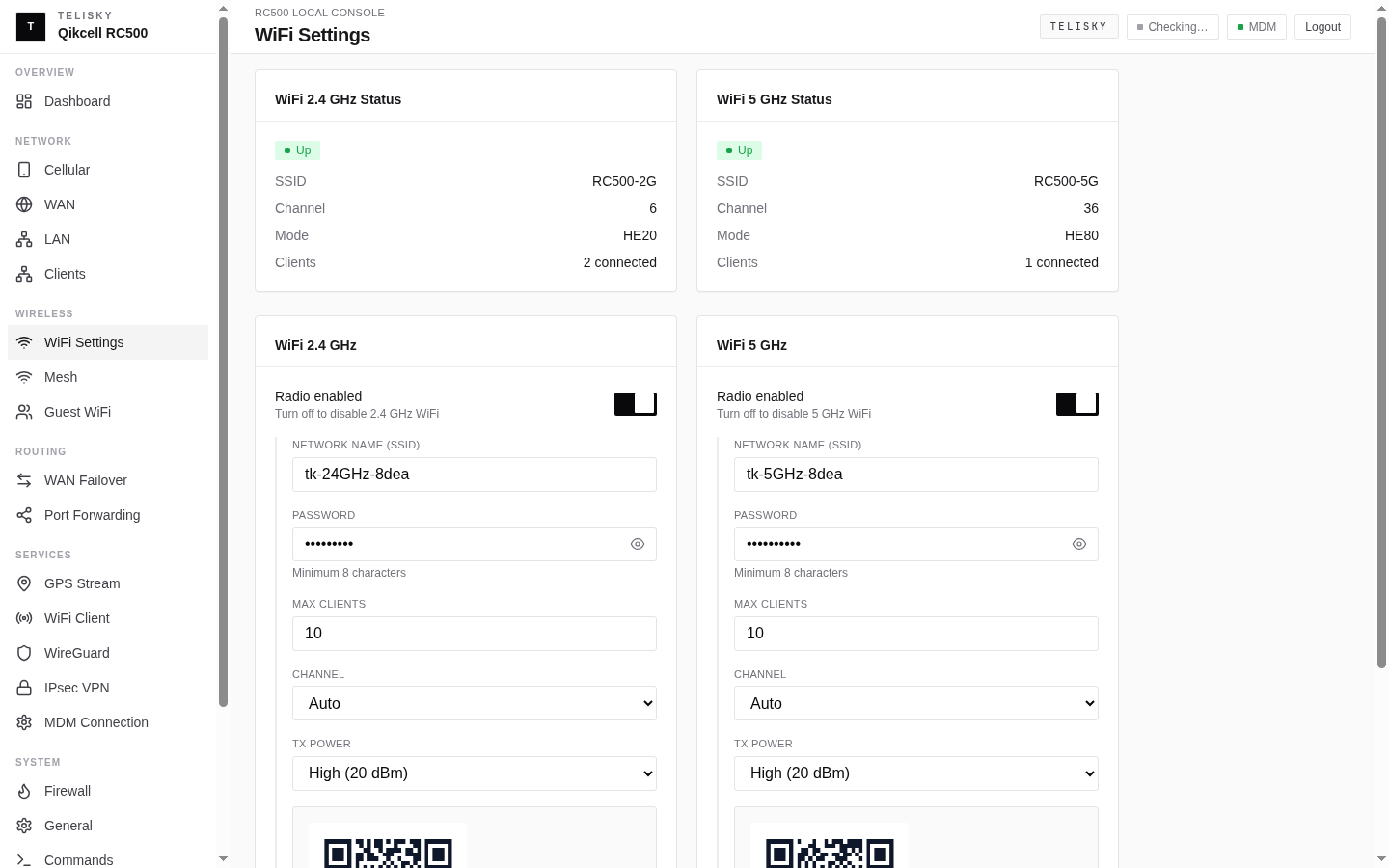
Section titled “Basic Configuration”Navigate to Wireless → WiFi Settings:
Per-Radio Settings
Section titled “Per-Radio Settings”| Field | Description | Default |
|---|---|---|
| Enable | Radio on/off | Enabled |
| SSID | Network name | RC500-XXXX |
| Channel | WiFi channel (Auto or specific) | Auto |
| Channel Width | 20/40/80/160 MHz | 80 MHz (5G), 40 MHz (2.4G) |
| TX Power | Transmit power level | Auto (max) |
| Encryption | Security mode | WPA2-PSK (AES) |
| Password | Network passphrase | (device-specific) |
Encryption Options
Section titled “Encryption Options”| Mode | Security Level | Compatibility |
|---|---|---|
| WPA3-SAE | Highest | Modern devices only |
| WPA2/WPA3 Mixed | High | Recommended for most |
| WPA2-PSK (AES) | Good | Universal compatibility |
| Open | None | Not recommended |
Guest WiFi
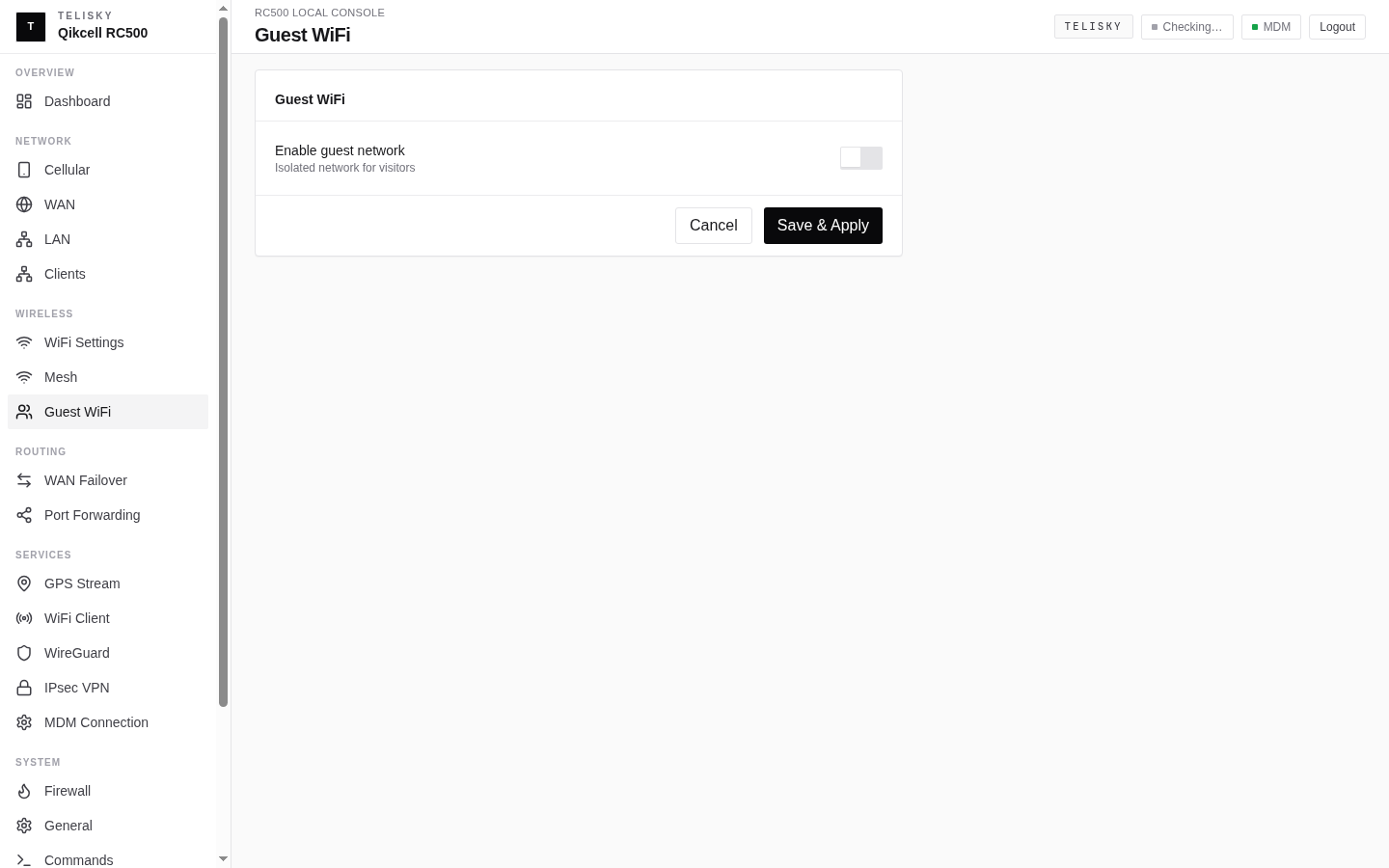
Section titled “Guest WiFi”The guest network provides internet access while isolating guests from the LAN.
Navigate to Wireless → Guest WiFi:
| Field | Description | Default |
|---|---|---|
| Enable | Guest network on/off | Disabled |
| SSID | Guest network name | RC500-Guest |
| Password | Guest passphrase | — |
| Max Clients | Maximum simultaneous connections | 10 |
| Client Isolation | Prevent guests seeing each other | Enabled |
| LAN Access | Allow access to LAN devices | Disabled |
Guest Network Features
Section titled “Guest Network Features”- Separate subnet — Guests get IPs from a different range (192.168.2.x)
- Bandwidth limiting — Configurable per-client rate limits
- Client isolation — Guests cannot communicate with each other
- LAN isolation — Guests cannot access LAN devices or router admin
MAC Filtering
Section titled “MAC Filtering”Control which devices can connect based on MAC address.
Navigate to Wireless → WiFi Settings → MAC Filter:
Filter Modes
Section titled “Filter Modes”| Mode | Behavior |
|---|---|
| Disabled | All devices can connect (default) |
| Allowlist | Only listed MACs can connect |
| Blocklist | Listed MACs are denied connection |
Managing the Filter List
Section titled “Managing the Filter List”- Select filter mode (Allowlist or Blocklist)
- Add MAC addresses (format:
AA:BB:CC:DD:EE:FF) - Optionally add a description for each entry
- Click Save & Apply
WiFi Client Mode
Section titled “WiFi Client Mode”The RC500 can also connect to an upstream WiFi network as a WAN source.
Navigate to Services → WiFi Client:
| Field | Description |
|---|---|
| Enable | Client mode on/off |
| Target SSID | Upstream network to connect to |
| Password | Upstream network password |
| Band | 2.4 GHz or 5 GHz |
QR Code Sharing
Section titled “QR Code Sharing”The WiFi Settings page includes a QR Code button that generates a scannable code containing the SSID and password. Compatible with iOS and Android camera apps for instant connection.
MDM-Managed WiFi
Section titled “MDM-Managed WiFi”When managed through the MDM platform, WiFi settings can be pushed remotely:
- SSID and password changes
- Radio enable/disable
- TX power adjustment
- MAC filter list updates
Cloud-pushed changes override local settings. The local UI will show “Managed by MDM” for cloud-controlled parameters.