
VPN
The RC500 supports two VPN tunnel types in the local Web UI: WireGuard and IPsec. Both let traffic reach a private network securely. Choose based on what the other end of the tunnel uses.
WireGuard
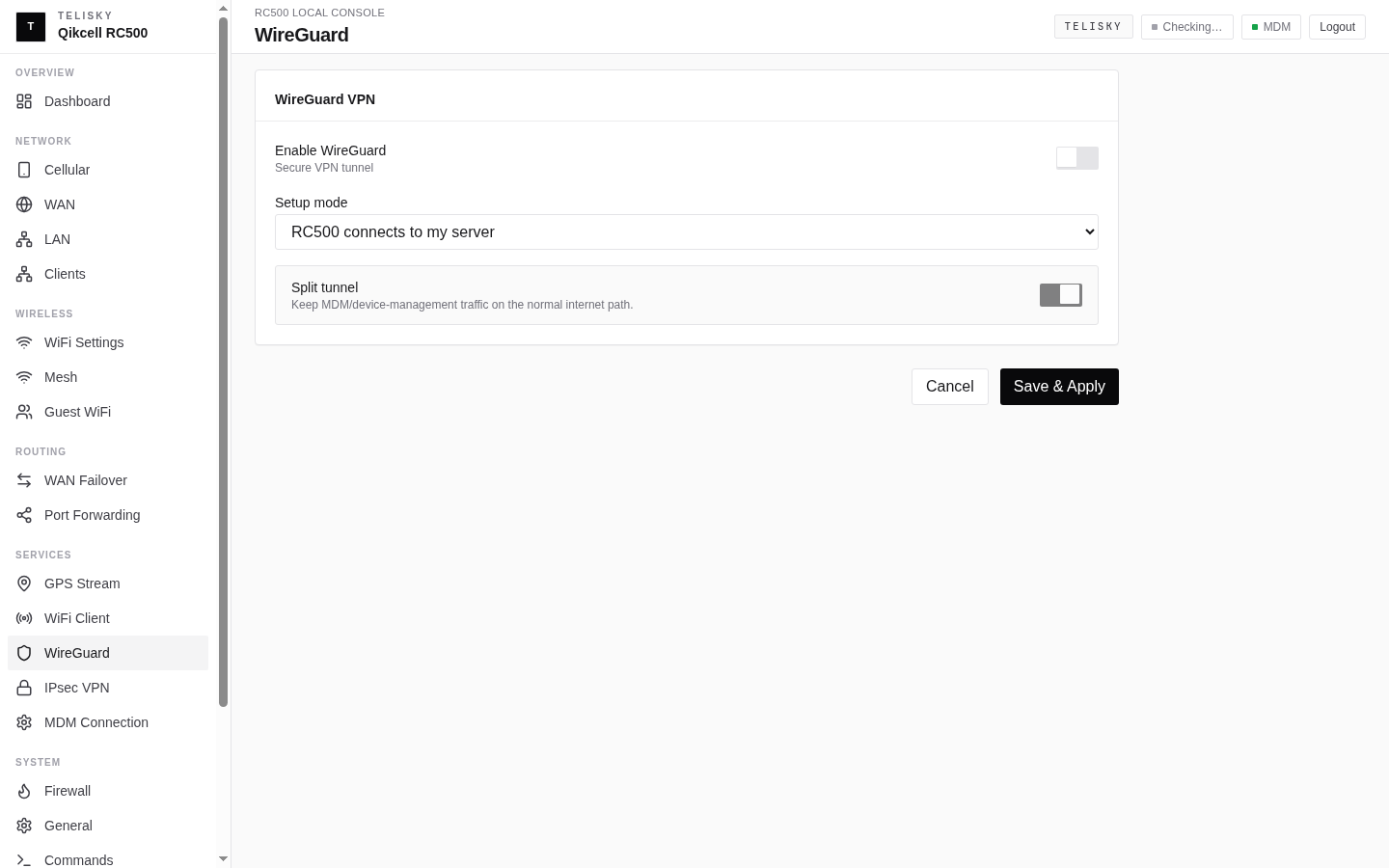
Section titled “WireGuard”A modern, fast tunnel, often used to reach a management network or a cloud endpoint. Configure it under Services - WireGuard.
When to use it
Section titled “When to use it”- You are connecting the router to a WireGuard server or peer.
- You want a lightweight tunnel for management or specific traffic.
What you need
Section titled “What you need”- The peer’s public key.
- The peer’s endpoint (host and port).
- The addresses (allowed IPs) that should travel through the tunnel.
- The interface address assigned to this router.
- Optionally, a preshared key and a keepalive interval.
Check it is working
Section titled “Check it is working”The status card shows the peer endpoint, the time of the last successful handshake, and traffic counters. A recent handshake and rising traffic mean the tunnel is up.
Common mistakes
Section titled “Common mistakes”- Allowed IPs that are too broad or too narrow for the traffic you intend to route.
- A missing keepalive when the router is behind NAT, which can let an idle tunnel go quiet.
- A mismatched key between the router and the peer.
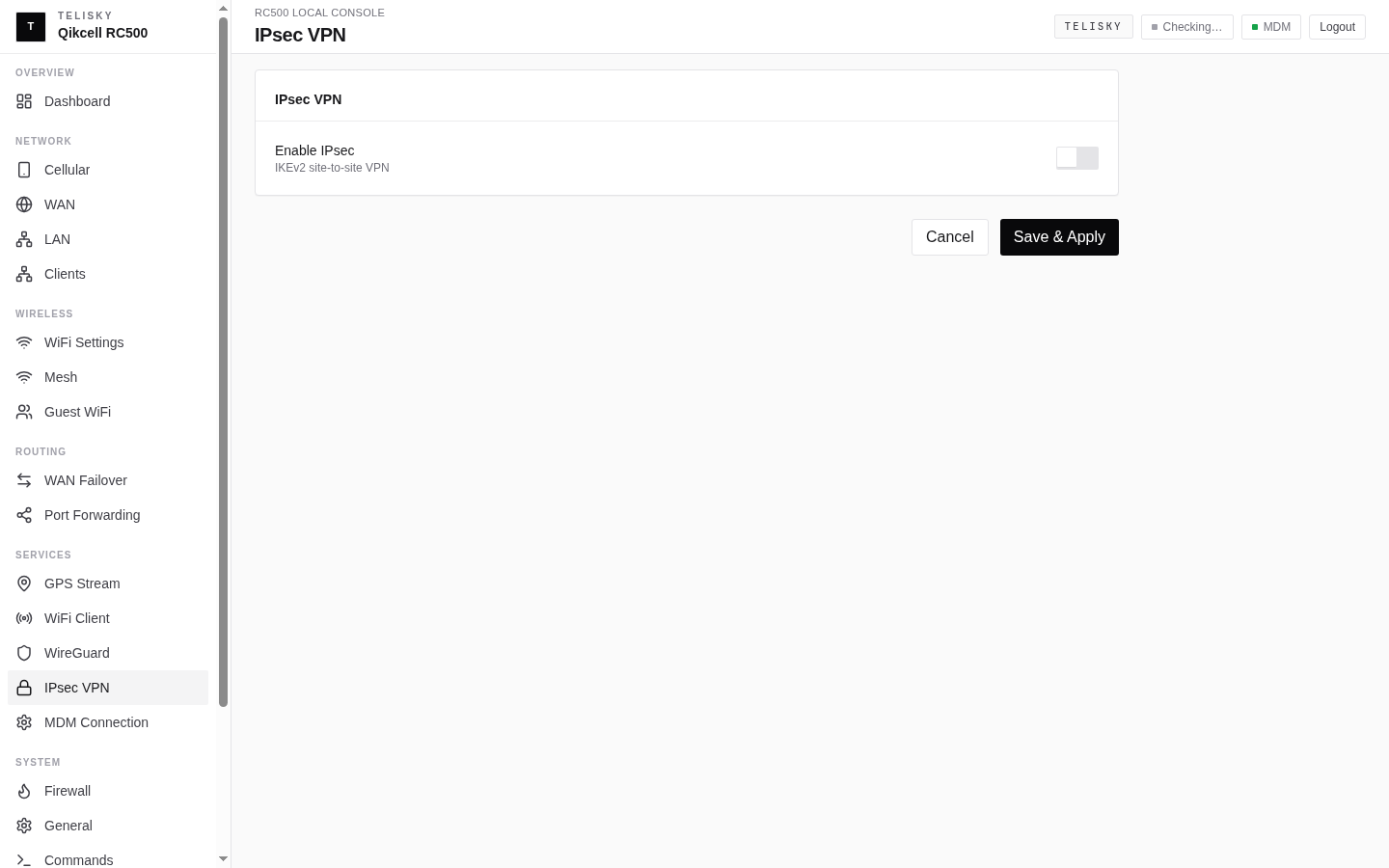
A site-to-site standard, often used to connect the router to a customer firewall. Configure it under Services - IPsec.
When to use it
Section titled “When to use it”- The far end is a firewall or appliance that speaks IPsec.
- You need a site-to-site connection between the router’s local network and a remote network.
What you need
Section titled “What you need”- The remote gateway address.
- The local and remote subnets that should reach each other.
- A pre-shared key (or the agreed authentication).
- The IKE and ESP proposals the far end expects.
Check it is working
Section titled “Check it is working”The status panel shows the tunnel state, the remote endpoint, traffic counters, and uptime when the tunnel is established.
Common mistakes
Section titled “Common mistakes”- Proposals (encryption settings) that do not match the far end.
- Overlapping local and remote subnets.
- A pre-shared key that does not match on both sides.
Cloud-managed VPN
Section titled “Cloud-managed VPN”WireGuard and IPsec tunnels can also be configured from the cloud portal per device. See Router Settings.