
Jobs
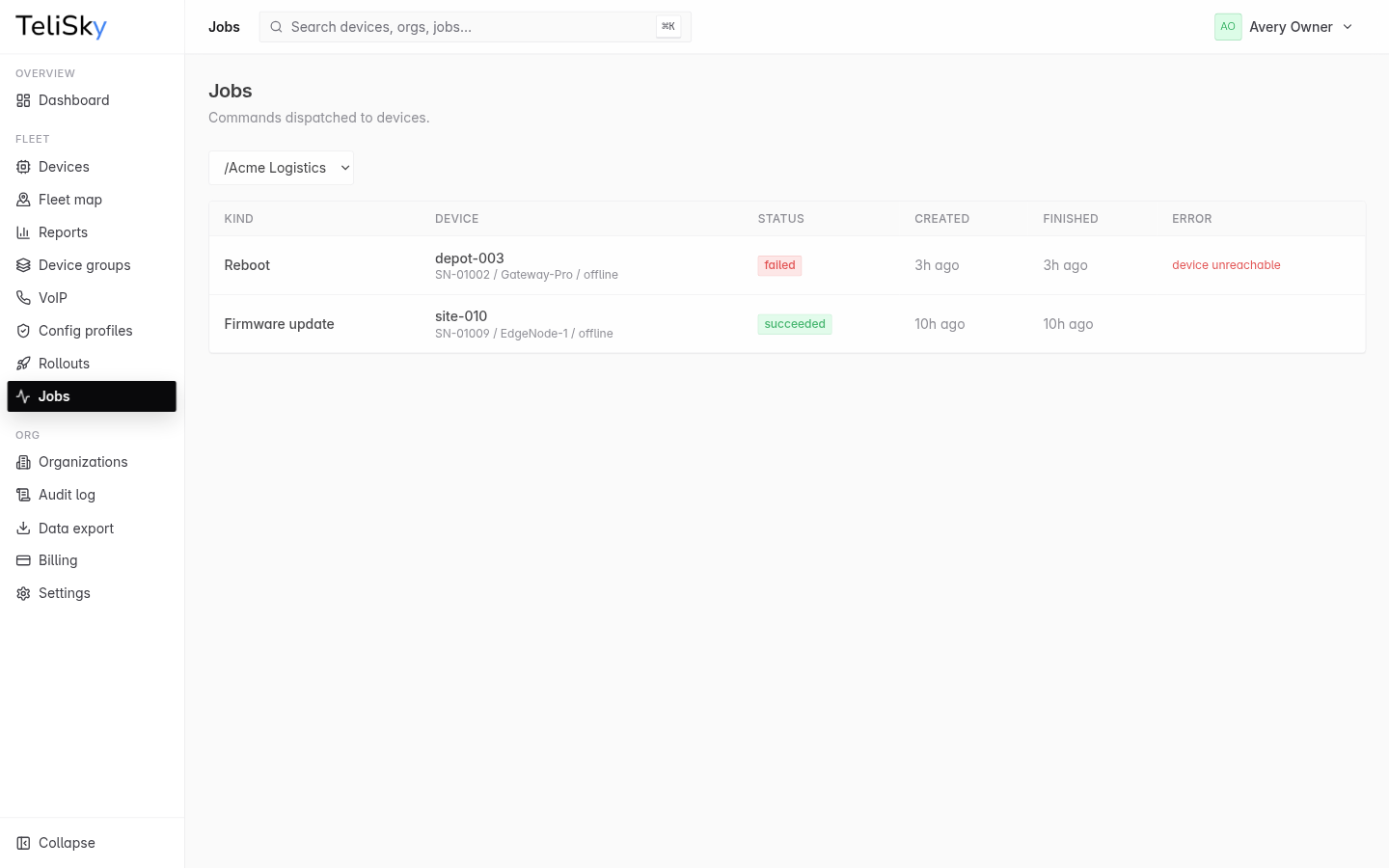
A job is a single action sent to one device - a reboot, a config apply, a firmware update, a speed test. The Jobs page shows the commands dispatched to devices and how each one turned out.
Job status
Section titled “Job status”| Status | Meaning |
|---|---|
| Pending | Queued, waiting to be sent or picked up |
| Running | The device is carrying it out |
| Succeeded | The device completed it successfully |
| Failed | It did not complete; an error is shown |
| Canceled | It was stopped before completing |
Where jobs come from
Section titled “Where jobs come from”Almost everything you do to a device produces a job, so Jobs is the one place to confirm an action actually landed:
- Device commands - a reboot, config sync, factory reset, or speed test from a device.
- Config profiles - applying a profile to a device or group.
- Rollouts - each device in a rollout gets its own job per wave.
- Firmware updates - each firmware update is a job.
Reading the list
Section titled “Reading the list”Each row shows the action (kind), the device, the status, when it was created and finished, and a plain-language error if it failed. Filter by organization to focus on one part of your fleet.
If a job failed, the error usually points at the cause - a device offline, a setting that conflicts, or an update that could not complete. See Config Did Not Apply and Firmware Update Issues.