
Settings
The Settings page manages your own account - your profile, your active sessions, and signing out. It is about you, not your whole organization.
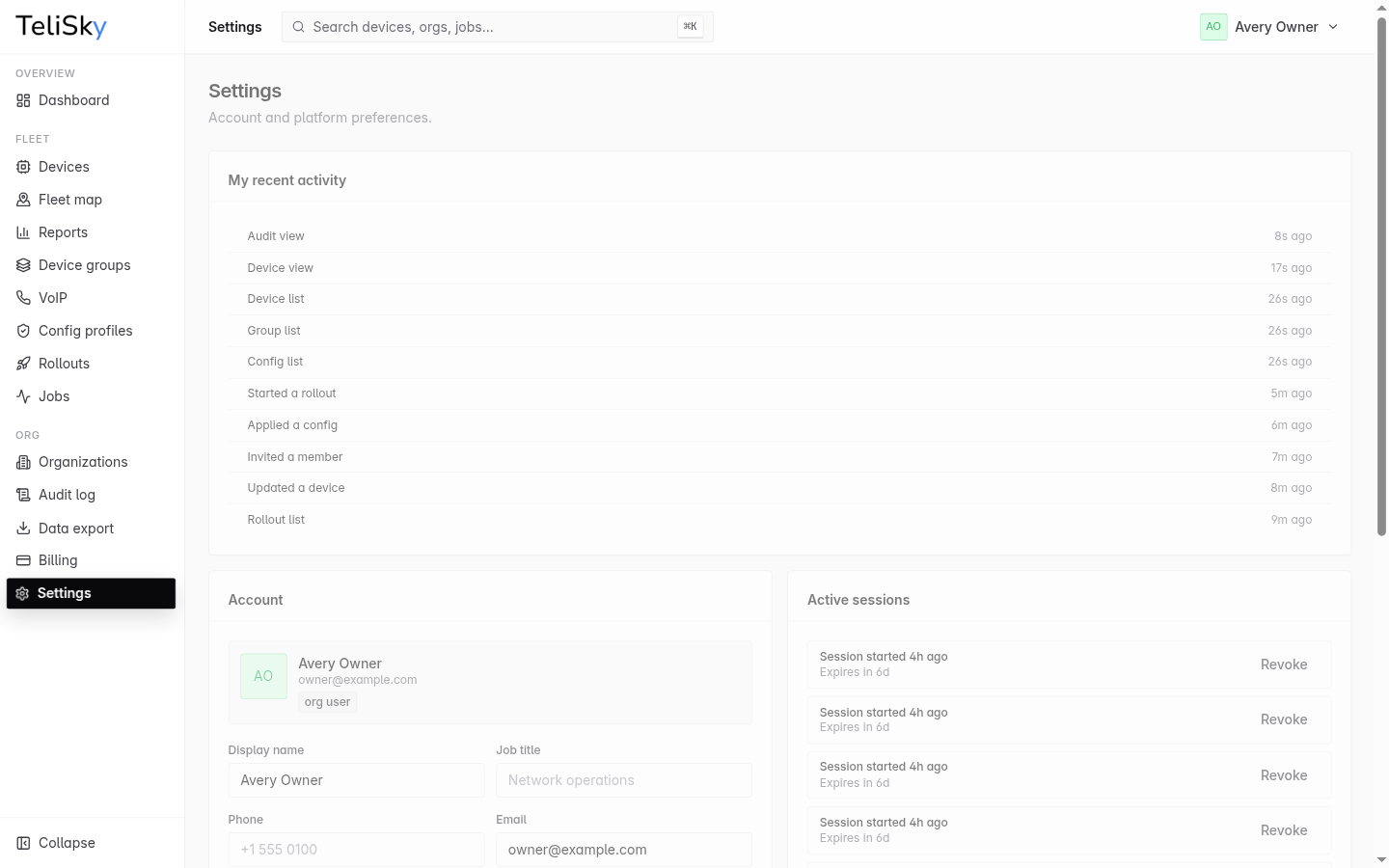
Account profile
Section titled “Account profile”Update your account details:
- Display name
- Job title
- Phone
Make your changes and save the profile.
Active sessions
Section titled “Active sessions”See where your account is currently signed in. Each session shows when it started and when it expires, and the device you are on now is marked. You can revoke a session you do not recognize or no longer need.
Recent activity
Section titled “Recent activity”The page shows your own recent activity - actions like signing in or updating your profile - so you can confirm what your account has been doing.
Sign out
Section titled “Sign out”Use the sign-out action to end your session on this device. For trouble getting back in, see Sign In & Account Help.