
Rollouts
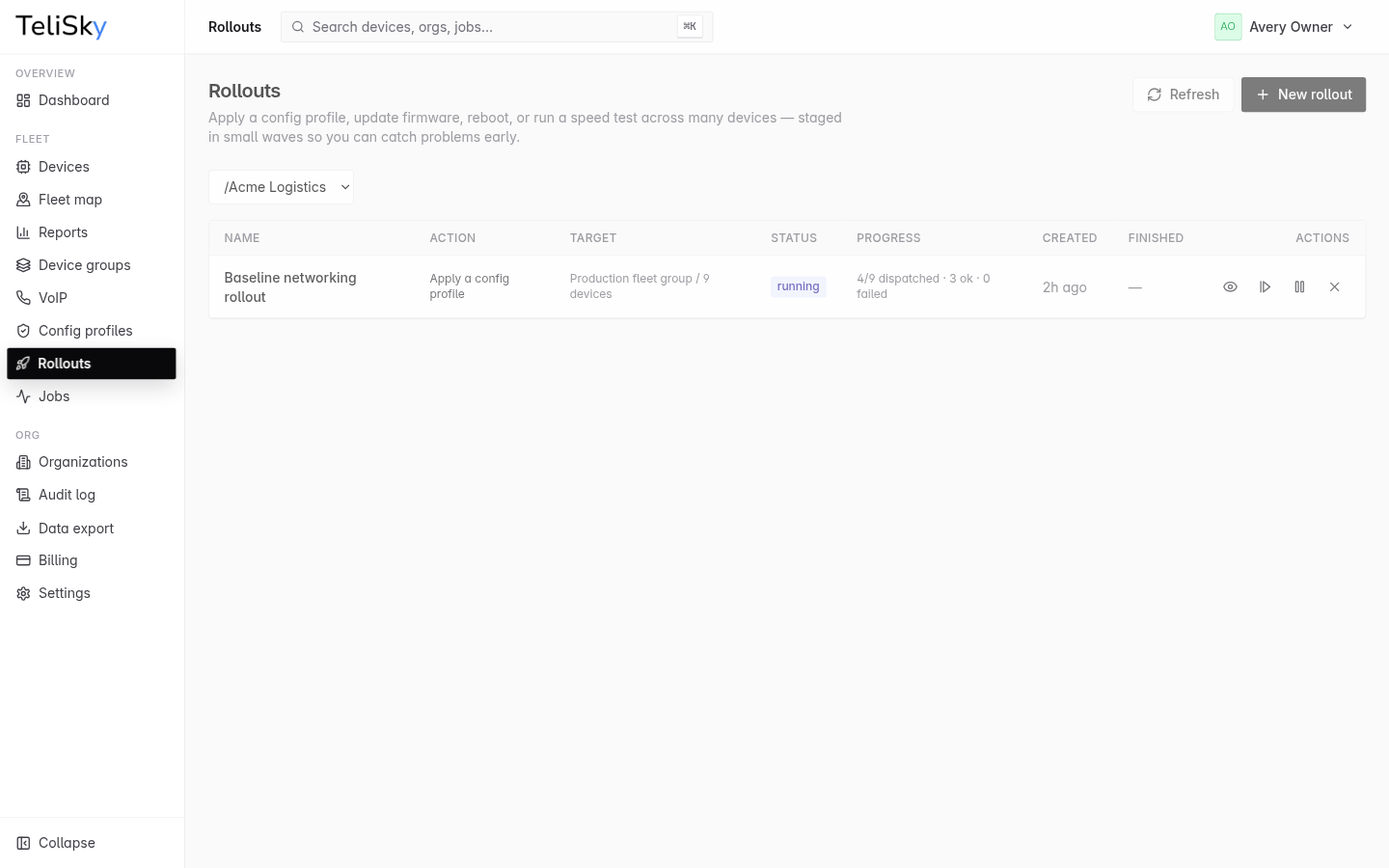
A rollout applies a config profile, a firmware update, a reboot, or a speed test across many devices - staged in small waves so you can catch problems early instead of changing everything at once. Open Rollouts in the cloud portal.
What you can roll out
Section titled “What you can roll out”| Kind | What it does |
|---|---|
| Apply config | Push a config profile to the targeted devices |
| Update firmware | Send a firmware update |
| Reboot | Restart the targeted devices |
| Run speed test | Measure connection speed on the targeted devices |
How a rollout works
Section titled “How a rollout works”You target a group, a set of devices, or one exact organization, then the rollout runs in stages so you can verify each stage before continuing. An organization target snapshots its current devices when the rollout is created; child organizations are excluded, and an organization with no devices cannot be used:
- Draft - create the rollout and choose what to apply and to which devices.
- Start (canary) - it goes to a small first batch (the canary).
- Review - check the resulting jobs to confirm the canary succeeded.
- Advance - release the next wave, repeating until done.
- Succeeded - all waves completed.
At any point you can pause to hold, or cancel to stop. The rollout tracks its status and the per-device jobs throughout.
graph LR
A[Draft] --> B[Start canary] --> C[Review jobs] --> D[Advance waves] --> E[Succeeded]
C --> F[Paused]
C --> G[Canceled]
Watching progress
Section titled “Watching progress”Open a rollout to see each device’s job - which wave it was in, when it was sent, and whether it succeeded or failed. This is where you decide whether it is safe to advance.