Organizations & Tenants
The Telisky MDM platform supports multiple organizations (tenants) with strict data isolation between them.
Multi-Tenant Architecture
Section titled “Multi-Tenant Architecture”Each organization operates in complete isolation:
- Devices are visible only to their owning organization
- Telemetry data is never shared across tenants
- Users belong to exactly one organization
- Configuration profiles are organization-scoped
- Alert rules are organization-scoped
Organization Hierarchy
Section titled “Organization Hierarchy”Platform (Telisky)├── Organization A (Customer)│ ├── Users (owner, admin, user, viewer)│ ├── Devices (RC500s, GPS trackers)│ ├── Configuration Profiles│ ├── Firmware Policies│ ├── Geofences│ └── Alert Rules│├── Organization B (Customer)│ ├── Users│ ├── Devices│ └── ...│└── System Tenant (Platform Ops) ├── Super Admins └── Unclaimed DevicesOrganization Settings
Section titled “Organization Settings”Each organization has configurable settings:
| Setting | Description |
|---|---|
| Name | Organization display name |
| Plan | Subscription tier (Starter/Pro/Enterprise) |
| Max Devices | Maximum allowed devices |
| Max Users | Maximum allowed user accounts |
| Data Retention | Telemetry retention period |
| Timezone | Default timezone for displays |
Plans & Limits
Section titled “Plans & Limits”| Feature | Starter | Pro | Enterprise |
|---|---|---|---|
| Devices | 10 | 100 | Unlimited |
| Users | 5 | 50 | Unlimited |
| Data Retention | 30 days | 90 days | 365 days |
| Alert Rules | 100 | 1,000 | Unlimited |
| API Rate Limit | 100/min | 1,000/min | Custom |
| Support | Priority | Dedicated |
Creating an Organization
Section titled “Creating an Organization”Super admins can create new organizations:
- Navigate to Ops → Organizations
- Click Create Organization
- Fill in:
- Organization name
- Plan selection
- Initial owner email
- Click Create
- An invitation email is sent to the owner
Device Assignment
Section titled “Device Assignment”Devices can be moved between the system tenant and organizations:
Claiming (Customer Self-Service)
Section titled “Claiming (Customer Self-Service)”- Admin generates a claim code for the device
- Customer enters the code in their portal
- Device moves to the customer’s organization
Direct Assignment (Ops)
Section titled “Direct Assignment (Ops)”- Ops admin selects an unclaimed device
- Chooses target organization
- Device is assigned immediately
- Organization admin is notified
Transfer Between Organizations
Section titled “Transfer Between Organizations”Transfers require super admin action:
- Remove device from source organization
- Re-assign to target organization
- Device configuration and telemetry history transfer with it
Data Isolation Guarantees
Section titled “Data Isolation Guarantees”Database Level
Section titled “Database Level”Every table includes a tenant_id column:
-- All queries are automatically filteredSELECT * FROM devices WHERE tenant_id = $1;API Level
Section titled “API Level”JWT tokens contain the user’s tenantId. Middleware automatically scopes all queries:
- Non-super-admin users can only see their organization’s data
- Cross-tenant requests return 403 Forbidden
- Even direct ID access is tenant-checked
All cross-organization actions are logged:
- Device transfers
- User invitation
- Plan changes
- Data exports
Organization Dashboard (Ops)
Section titled “Organization Dashboard (Ops)”Super admins have access to a platform-wide operations view:
| View | Content |
|---|---|
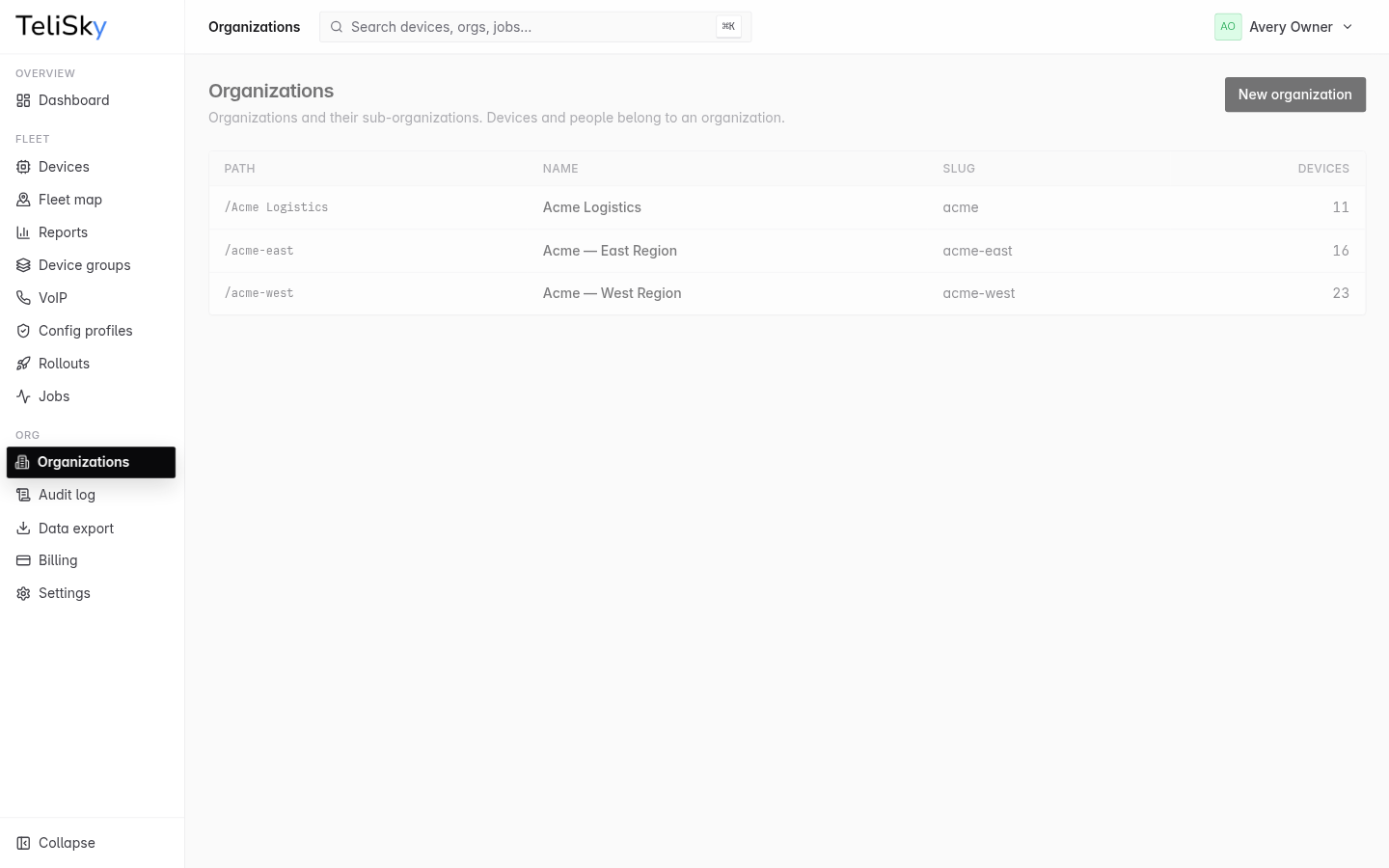
| All Organizations | List of tenants with device counts |
| All Devices | Cross-tenant device view |
| System Health | Platform-wide metrics |
| Unclaimed | Devices awaiting assignment |
| Audit Log | Cross-tenant operations |