
Audit Log
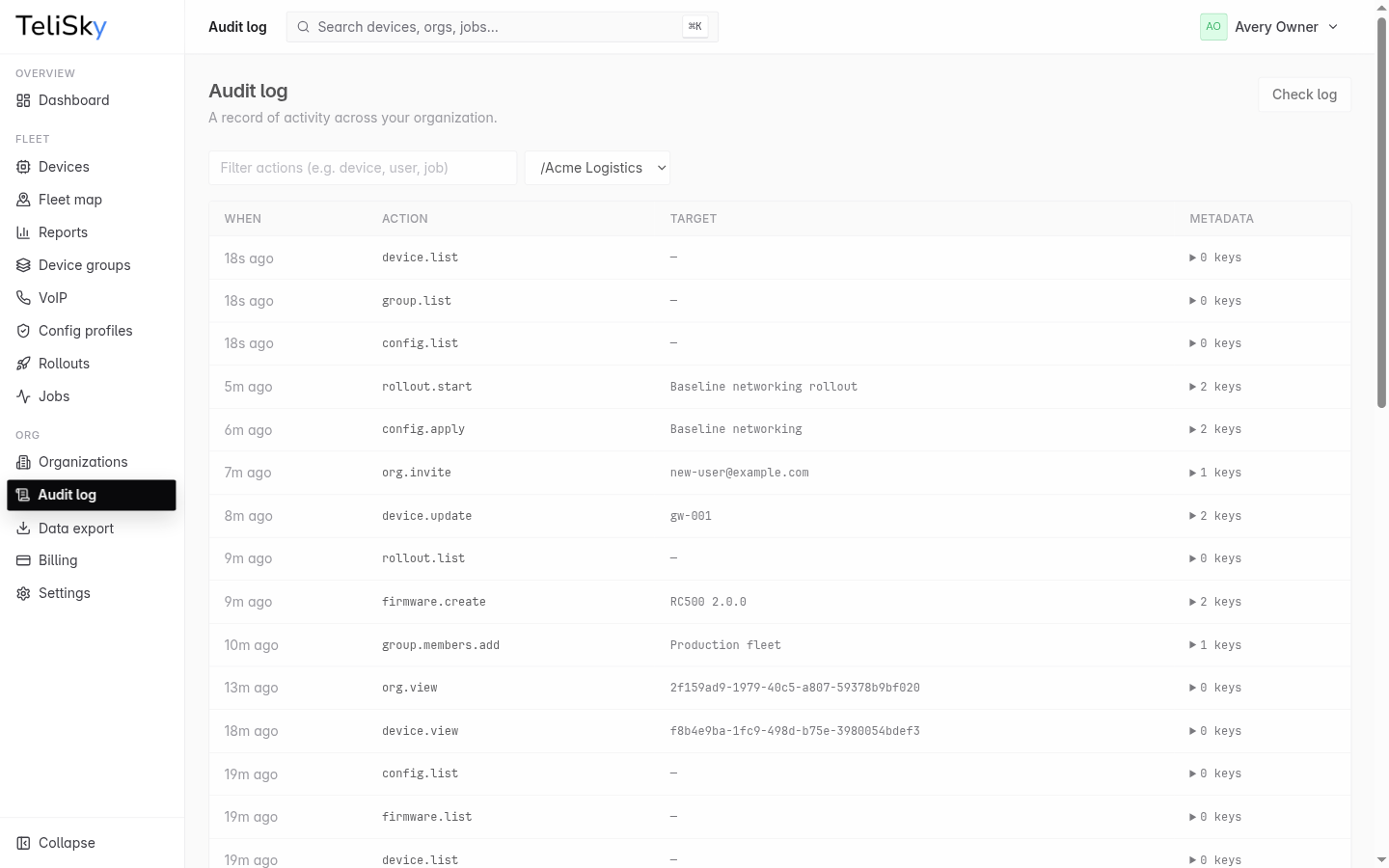
The Audit Log is a record of activity across your organization - who did what, and when. Use it to review changes, confirm actions, and answer “when did this happen?”.
What it records
Section titled “What it records”The log captures meaningful actions in your organization - things like a device being changed, a user being invited, or a job being dispatched. Each entry shows when it happened, the action, what it affected, and supporting details.
Filtering
Section titled “Filtering”- By organization - focus on one organization or sub-organization.
- By action - type part of an action, such as
device,user, orjob, to narrow the list.
Reviewing activity
Section titled “Reviewing activity”Open an entry to see its details. The log is the authoritative timeline for your organization, so it is the right place to confirm what changed during an incident or a deployment.
Verifying the record
Section titled “Verifying the record”The Audit Log includes a check that confirms the recorded history has not been altered. Run it when you need extra assurance that the activity record is intact.