
Commands & Factory Reset
The System - Commands page runs maintenance actions on the router and keeps a short history of what was run.
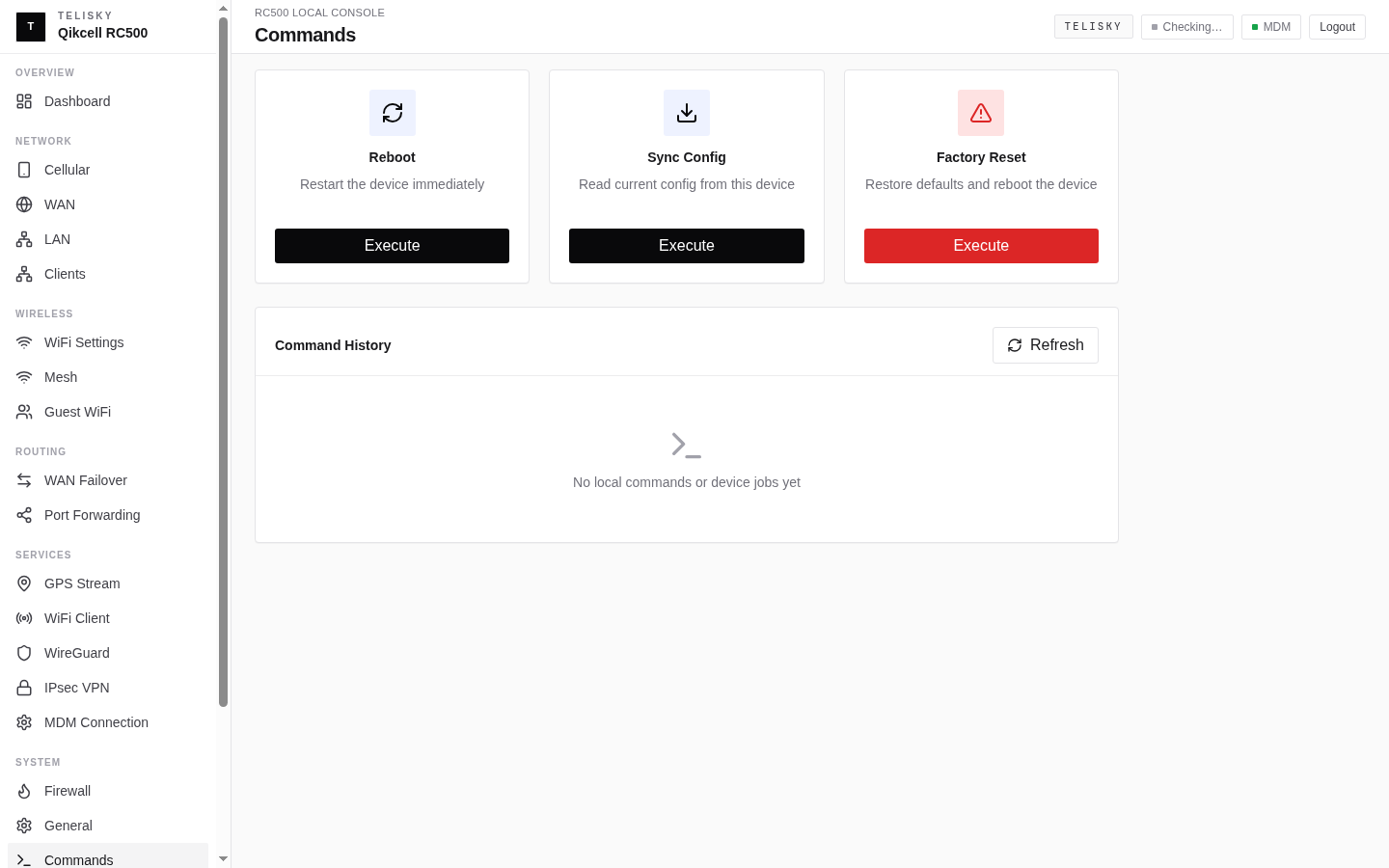
Reboot
Section titled “Reboot”Restarts the router. Use it when the router is behaving oddly or after certain changes. A reboot keeps all of your settings - it only restarts the device.
Configuration sync
Section titled “Configuration sync”Refreshes the router’s local configuration view after an approved on-site change or support workflow. It is not a general cloud “make everything match” button; check the latest router status and job history before changing more settings.
Factory reset
Section titled “Factory reset”Returns the router to its factory settings.
Which action should I use?
Section titled “Which action should I use?”| Situation | Action |
|---|---|
| The router is temporarily unresponsive or misbehaving | Reboot |
| The cloud and the router’s settings look out of step | Configuration sync |
| Preparing the router for handoff, or recovering it - after backing up settings | Factory reset |
Command history
Section titled “Command history”The page shows recent commands and their results, so you can confirm an action ran and see when.