
Firewall
The System - Firewall page shows the router’s current firewall rules. In the local Web UI this view is read-only - it lets you see how traffic is handled, but you do not edit rules here.
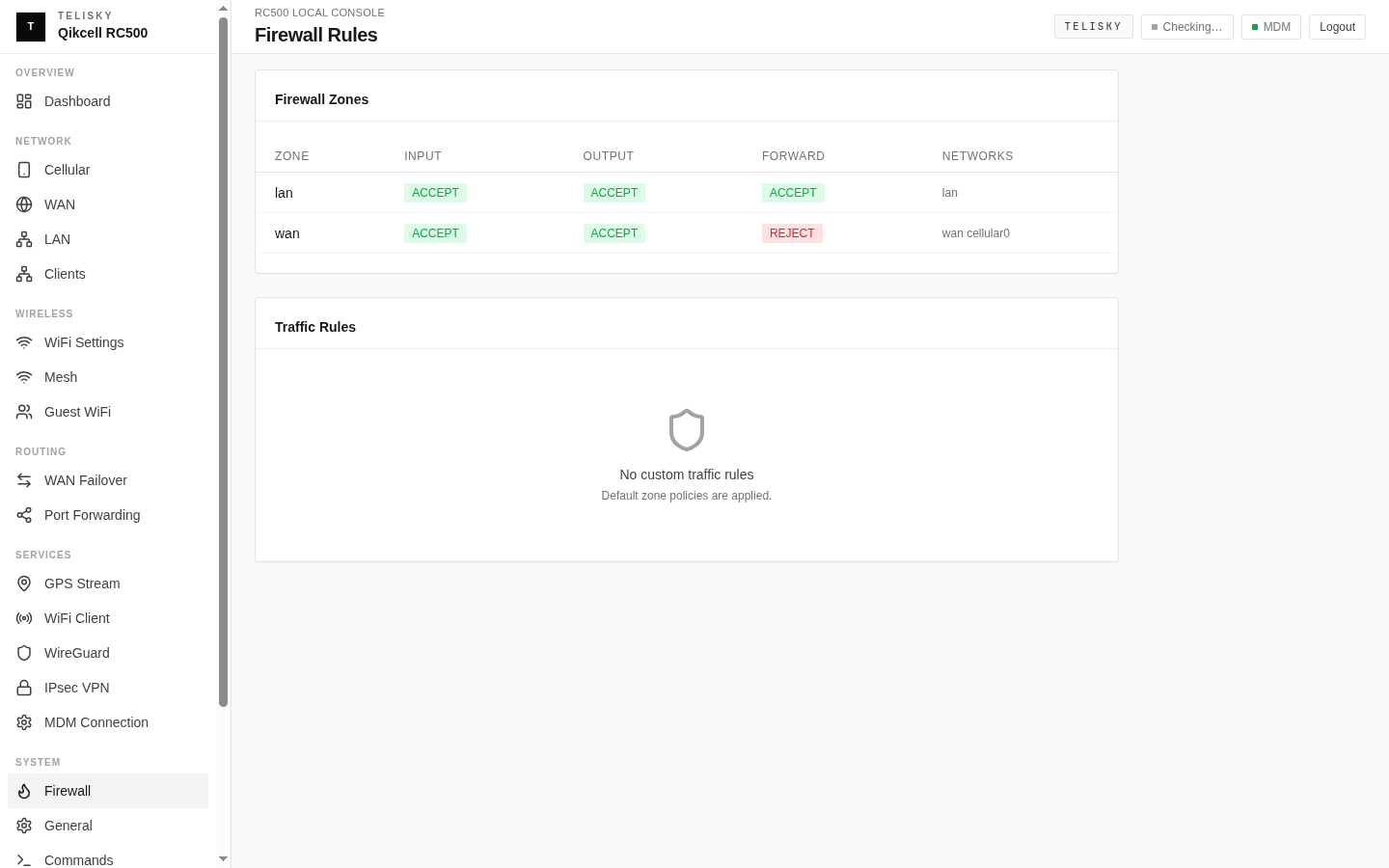
What it is for
Section titled “What it is for”Use the firewall view to confirm how the router is treating traffic - for example to check that an inbound rule you expect is in place before troubleshooting a connection.
When Services - Remote WebUI is enabled, this page also shows its generated rule. Confirm that it names the current cellular interface, lists only the approved source CIDRs, and allows only TCP 443.
Making inbound connections work
Section titled “Making inbound connections work”To open an inbound connection to a device behind the router - the change most people are looking for - use port forwarding, not the firewall view. Follow Cloud Port Forwarding for MDM or Network - Port forwarding for the local Web UI.
Remember that port forwarding only works when the internet connection provides a publicly reachable address; on many cellular plans it does not. See Internet & Cellular.
Remote WebUI over a private APN
Section titled “Remote WebUI over a private APN”The guided Services - Remote WebUI control is a narrow exception to the otherwise read-only firewall workflow. It makes the authenticated HTTPS WebUI listener reachable through the RC500’s cellular interface for explicitly allowed sources.
The control is disabled by default and fails closed when cellular0 has no runtime interface. Allowed sources must be canonical IPv4 CIDRs from /16 through /32. The default route (0.0.0.0/0), broader networks, malformed CIDRs, and networks with host bits set are rejected.
Enabling this control creates one input rule with all of these conditions:
- ingress is the runtime interface reported by
cellular0; - source matches one of the configured CIDRs;
- protocol is IPv4 TCP;
- destination port is 443.
HTTP 80, SSH, and every other port remain closed by this control. Removing all sources or disabling the control removes the generated rule.