
System Settings
The router’s basic identity and time settings live under System - General in the local Web UI. They are small settings, but they make logs, jobs, and support much easier.
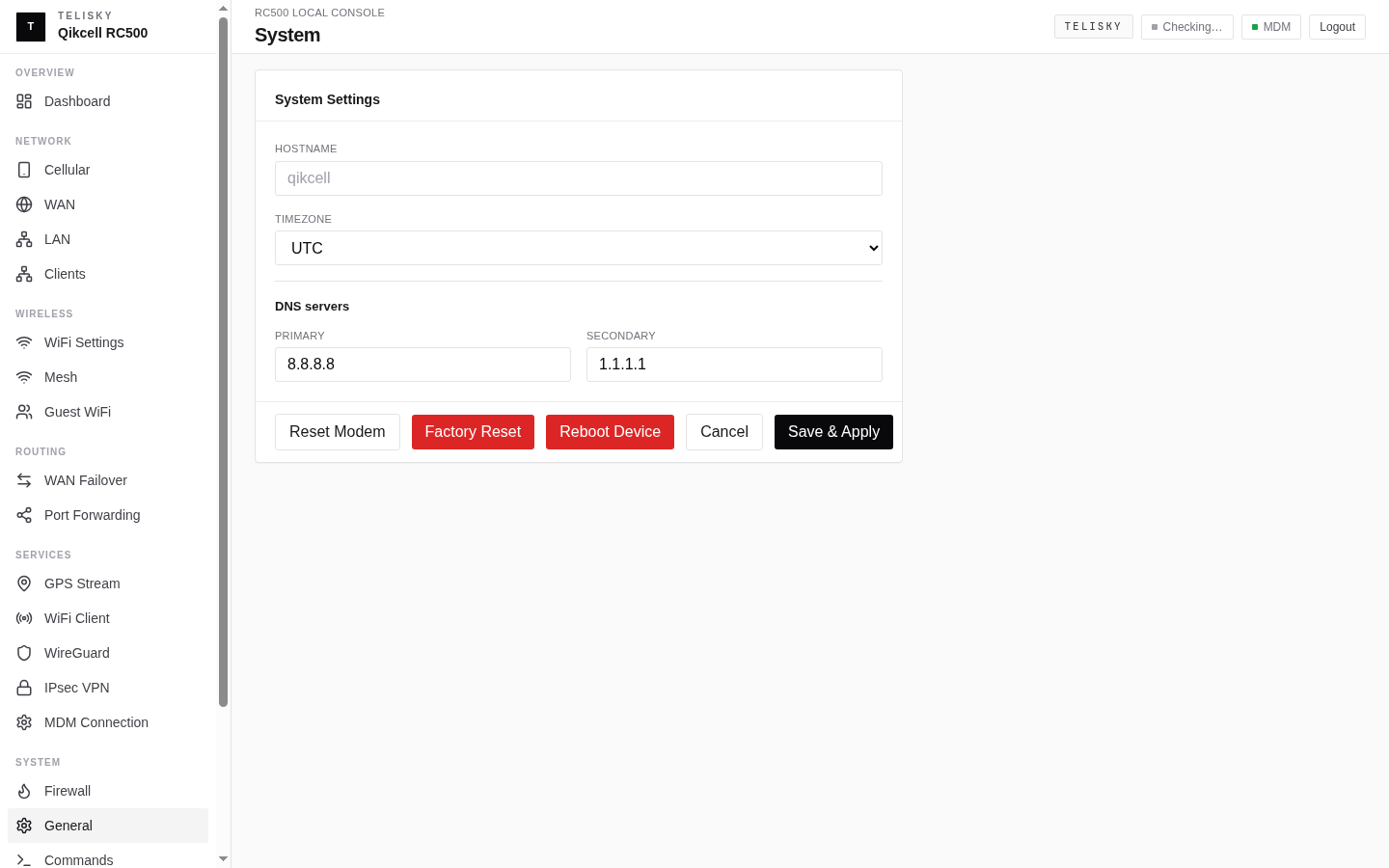
Hostname
Section titled “Hostname”The hostname is the router’s name. Set something recognizable - a site, vehicle, or asset name - so you can pick the router out in the cloud portal’s device list and in activity history.
Timezone and time
Section titled “Timezone and time”Set the router’s timezone so its clock matches where it is deployed. The router keeps its time in sync automatically over the internet.
Accurate time matters more than it looks:
- Activity history and the Audit Log line up with what actually happened.
- Jobs and scheduled actions run when you expect.
- Support can correlate events on the router with events in the cloud.
System information
Section titled “System information”The General page also shows read-only system information - things like the current firmware version and uptime - useful when checking status or talking to support.
Related actions
Section titled “Related actions”- To reboot, sync configuration, or factory reset, see Commands & Factory Reset.
- To update firmware, see Firmware Updates.